Coding, AI & game designAges 7–134 min read
By Emma ·
15 Scratch Project Ideas for Kids, from First Animation to Full Game
Fifteen Scratch project ideas for kids, grouped by level, with the coding idea each one teaches. From an animated name to a platformer with levels.
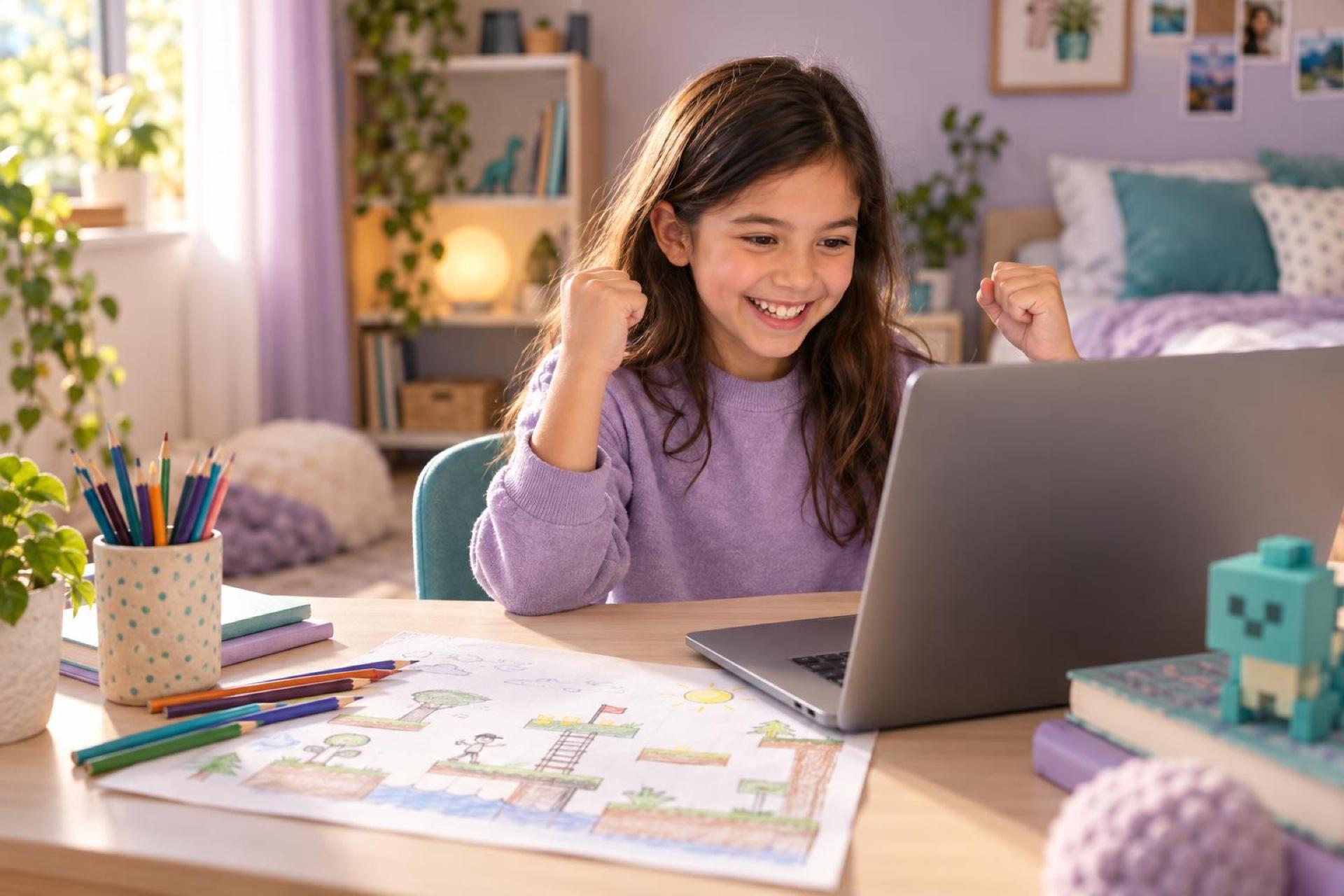
Your child has opened Scratch, made the cat walk across the screen and asked, "Now what?" A blank editor is hard to face. A short list of projects, each a little harder than the last, keeps a young coder busy for months.
Start with projects that finish in one sitting, such as an animated name or a simple chase game, then add one new idea at a time: loops, conditions, variables, broadcasts, clones and lists. Finishing small projects teaches more than abandoning big ones.
Before you start
Scratch is free and runs in a web browser on a computer. Children can save work to the computer without an account. If you set up an account, check the current sign-up rules and manage it yourself for younger children; our Scratch setup guide for parents walks through it.
finish it, then improve it. A working simple version first, then extras.
Five beginner projects
| Project | What it teaches |
|---|---|
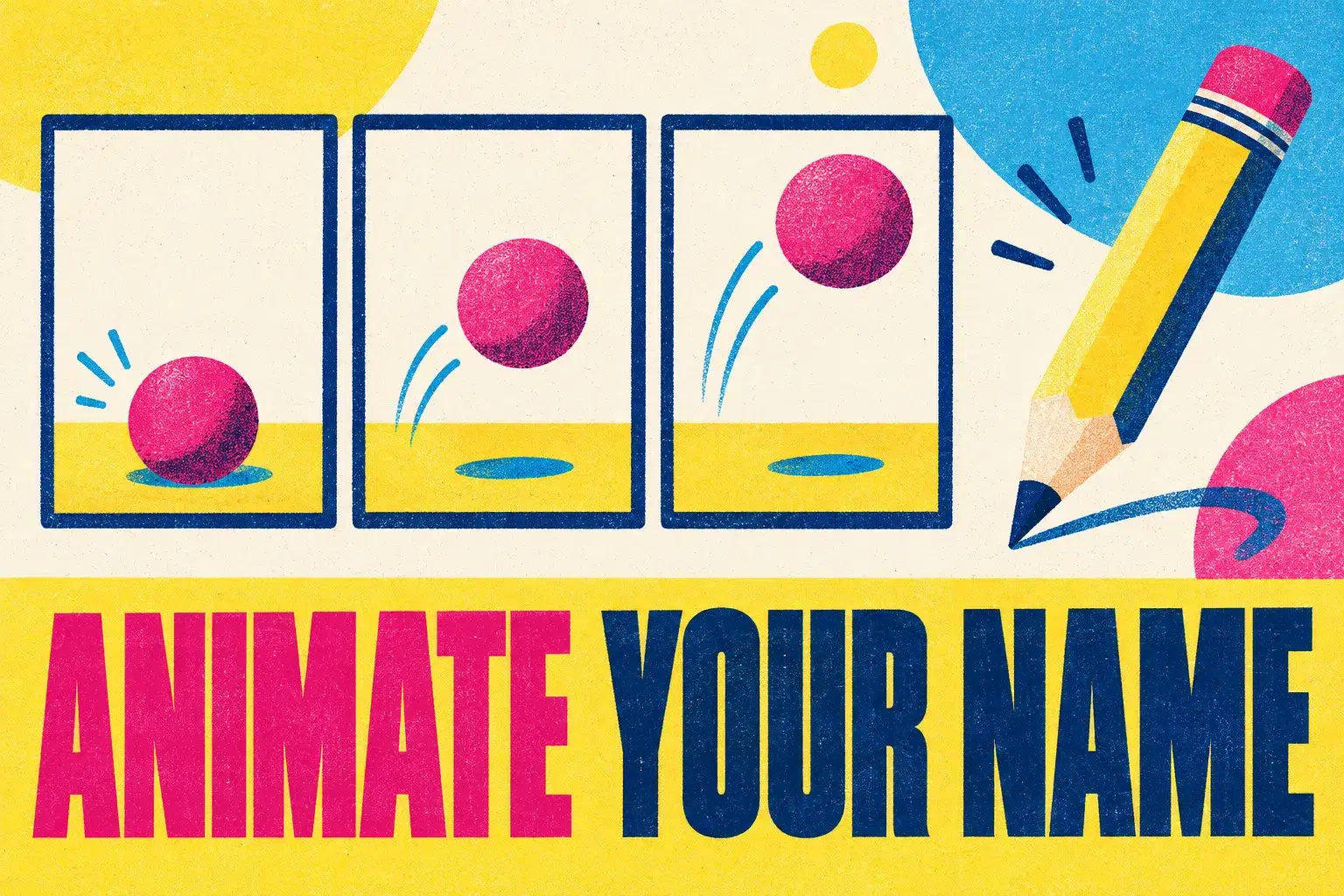
| 1. Animate your name | Events and simple motion |
| 2. Dance party | Costume changes and loops |
| 3. Talking characters | Timing with say and wait blocks |
| 4. Chase game | Keyboard controls and touching blocks |
| 5. Click the bug | Random positions and a score variable |
Each of these can be built in under an hour. Encourage your child to change colours, sounds and characters to make it their own.
 A live class on this1-on-1 Advanced Scratch Coaching: Clones, Lists and Custom BlocksAges 10–15
Five next-step projects
| Project | What it teaches |
|---|---|
| 6. Maze game | Collision with walls and a timer |
| 7. Catch the falling objects | Clones or repeated sprites, lives and game over |
| 8. Quiz | Ask and answer blocks, if-else and scoring |
| 9. Animated story with scenes | Broadcast messages and backdrops |
| 10. Pen art spirals | Angles, repeats and the pen extension |
These introduce the ideas that make programs interesting: decisions, memory and communication between sprites.
Five challenge projects
| Project | What it teaches |
|---|---|
| 11. Platformer with gravity | Velocity variables and jumping |
| 12. Scrolling world | Moving the background instead of the player |
| 13. Clicker or idle game | Variables that change over time and upgrades |
| 14. High-score table | Lists |
| 15. Simple physics or ecosystem simulation | Modelling with variables and rules |
A child who can build these understands the core ideas of programming and is ready to consider a text language. See Ready to Move Beyond Scratch? for signs it is time.
When they get stuck
- Read the code aloud, one block at a time, and say what each does.
- Test one small piece instead of the whole project.
- Look inside a similar shared project to see how someone else solved it, then build your own version.
- Take a break. Bugs are often obvious ten minutes later.
Projects are private until shared. Agree as a family whether and when to share, and remind children not to put personal details in projects, usernames or comments.
What parents can do next
- Pick one beginner project and build it together in one sitting.
- Keep a list of finished projects on the fridge.
- Ask your child to explain one script to you in their own words.
- When five projects are done, choose one to improve with a new feature.
Frequently asked questions
How long should a Scratch session be?
Thirty to forty-five minutes is plenty for most children. Stop while it is still fun.
Does my child need to be good at math?
No. Scratch introduces ideas such as coordinates and angles as they are needed.
Is copying tutorials real learning?
It is a fine start. Learning deepens when a child changes the tutorial project or builds something similar without it.
Is ScratchJr the same thing?
ScratchJr is a simpler app for ages about 4 to 7 with picture blocks and no reading. Most children move to Scratch at 7 or 8.
Find a Scratch coding class
Live online Scratch and ScratchJr classes, camps, clubs and private lessons, from first project to advanced games.