Art, music & makingAges 8–144 min read
By Charlotte ·
Procreate for Kids: What Age to Start and What to Draw First
Is your child ready for Procreate? What age to start, the iPad and stylus you need, five first drawings to try and how to tell when a class would help.
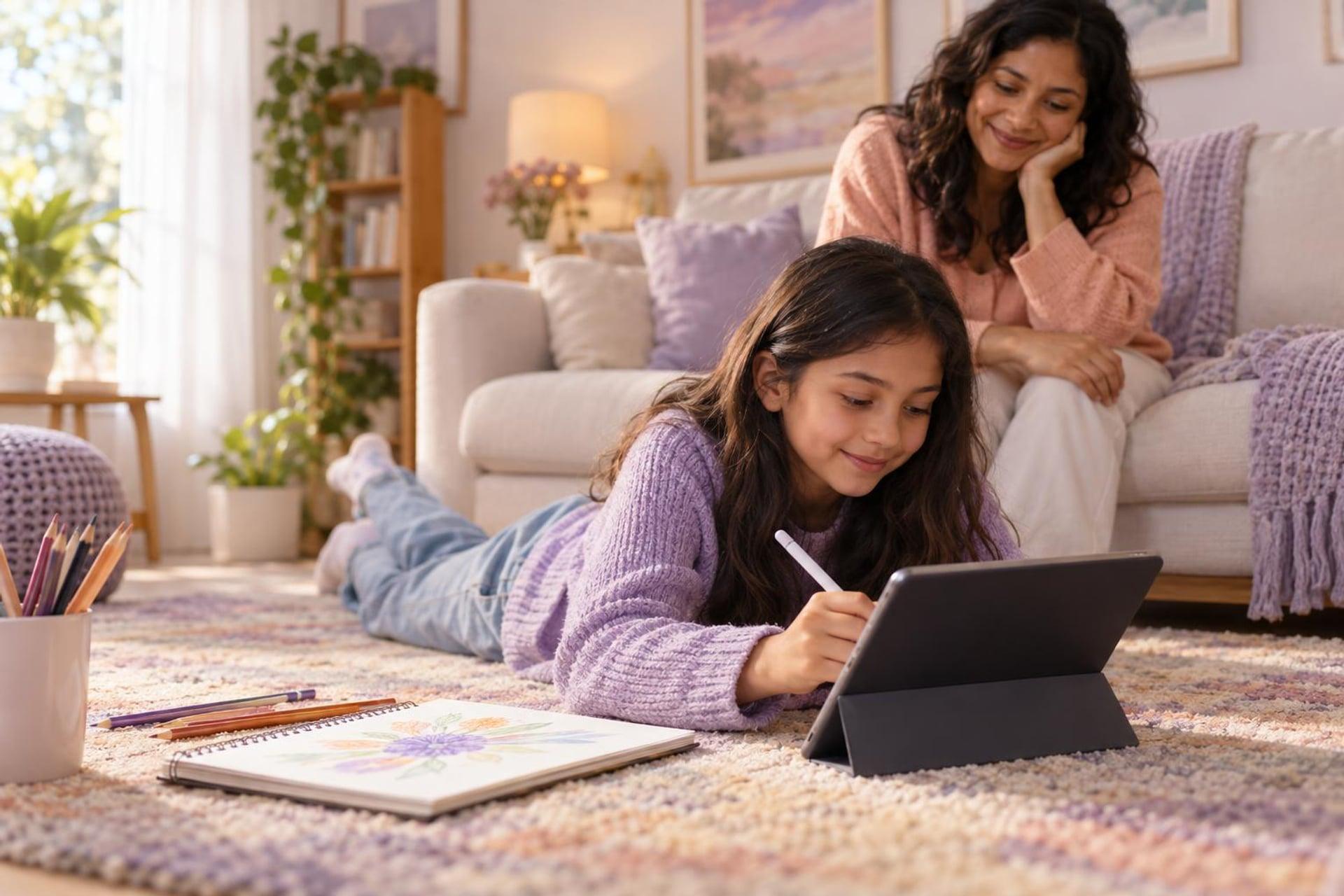
Your child has borrowed your iPad to draw so often that you are wondering whether to buy the app everyone mentions. Procreate is a good choice for many children, but it is not the right first step for all of them.
Most children are ready for Procreate at 8 or 9, once they enjoy drawing on paper and can handle a stylus. Start with five tools only: one brush, the eraser, colour, layers and undo.
What Procreate is, and what it needs
Procreate is a drawing and painting app for iPad. It is bought once from the App Store, with no subscription at the time of writing. A separate app, Procreate Pocket, runs on iPhone, and Procreate Dreams is for animation.
Procreate does not run on Android tablets, Chromebooks or Windows.
A pressure-sensitive stylus matters. Check which one works with your iPad model.
Optional, but it makes the glass feel more like paper.
Ten relaxed minutes of scribbling teaches more than a tutorial at first.
What age is right?
There is no rule, but three signs matter more than a birthday: your child already draws for fun, they can hold a pencil with control, and they can cope when something goes wrong on screen.
| Age | Usually ready for | Keep in mind |
|---|---|---|
| 6 to 7 | Free scribbling with one brush | A simpler drawing app may be less overwhelming |
| 8 to 10 | Layers, colour fill, simple characters | Short sessions and one new tool at a time |
| 11 to 14 | Shading, clipping masks, lettering, animation | Ready for a structured class or project |
Keep paper drawing going alongside digital. Children who do both improve faster, because paper teaches control that undo can hide.
 A live class on this1-on-1 Advanced Digital Illustration PortfolioAges 13–18
Five first drawings that teach the basics
1. A name in bubble letters
Teaches the brush, the eraser and colour drop.
2. A piece of fruit with a face
One layer for the sketch, one for colour. This is the moment layers start to make sense.
3. A night sky
A dark background, a soft brush for a glow and a small brush for stars. Children love how fast it looks impressive.
4. Their pet or favourite animal
Import a photo, lower its opacity and draw over it on a new layer. Tracing a reference is a fair way to learn shapes.
5. A sticker
A simple character with a thick white outline. It can be printed on sticker paper, which makes the work feel real.
Common early frustrations, and the fix
- Wobbly lines: turn up the brush's stabilisation setting a little.
- Colour spilling everywhere: close the gaps in the outline before dropping colour.
- Everything on one layer: name layers as you go, such as sketch, lines and colour.
- Lost work: show them the gallery and how to duplicate a canvas before big changes.
Downloading dozens of brush packs. More brushes slow beginners down. The brushes that come with the app are enough for the first year.
If you do not have an iPad
The ideas of layers, brushes and blending are the same in every digital art app. Krita is free on Windows, Mac and Linux, and ibisPaint runs on Android and iOS. A child who learns in one can move to another later.
What parents can do next
- Check that your iPad model works with a pressure-sensitive stylus.
- Try the five first drawings in order, one per sitting.
- Print one finished piece so the work leaves the screen.
- When your child asks how to shade or animate, look for a class that teaches that skill.
Frequently asked questions
Is Procreate a one-time purchase?
Yes, at the time of writing it is bought once from the App Store with no subscription. Check the App Store for the current price.
Can my child use Procreate without an Apple Pencil?
They can draw with a finger or a basic stylus, but a pressure-sensitive stylus gives much better control and is worth it if they draw often.
Is Procreate too advanced for an eight-year-old?
Not if they start with a few tools. The app has many features, but a child can ignore most of them for a long time.
Does digital drawing replace drawing on paper?
No. Paper builds hand control and observation. The two work well together.
Find a Procreate class
A live class adds a teacher who can see your child's canvas and help with the exact step they are stuck on.