By Isabella ·
How to Choose Coding and Tech Classes for Kids
Explore coding, game design, robotics, and creative tech for kids—and learn how to choose a beginner-friendly class that fits your child.
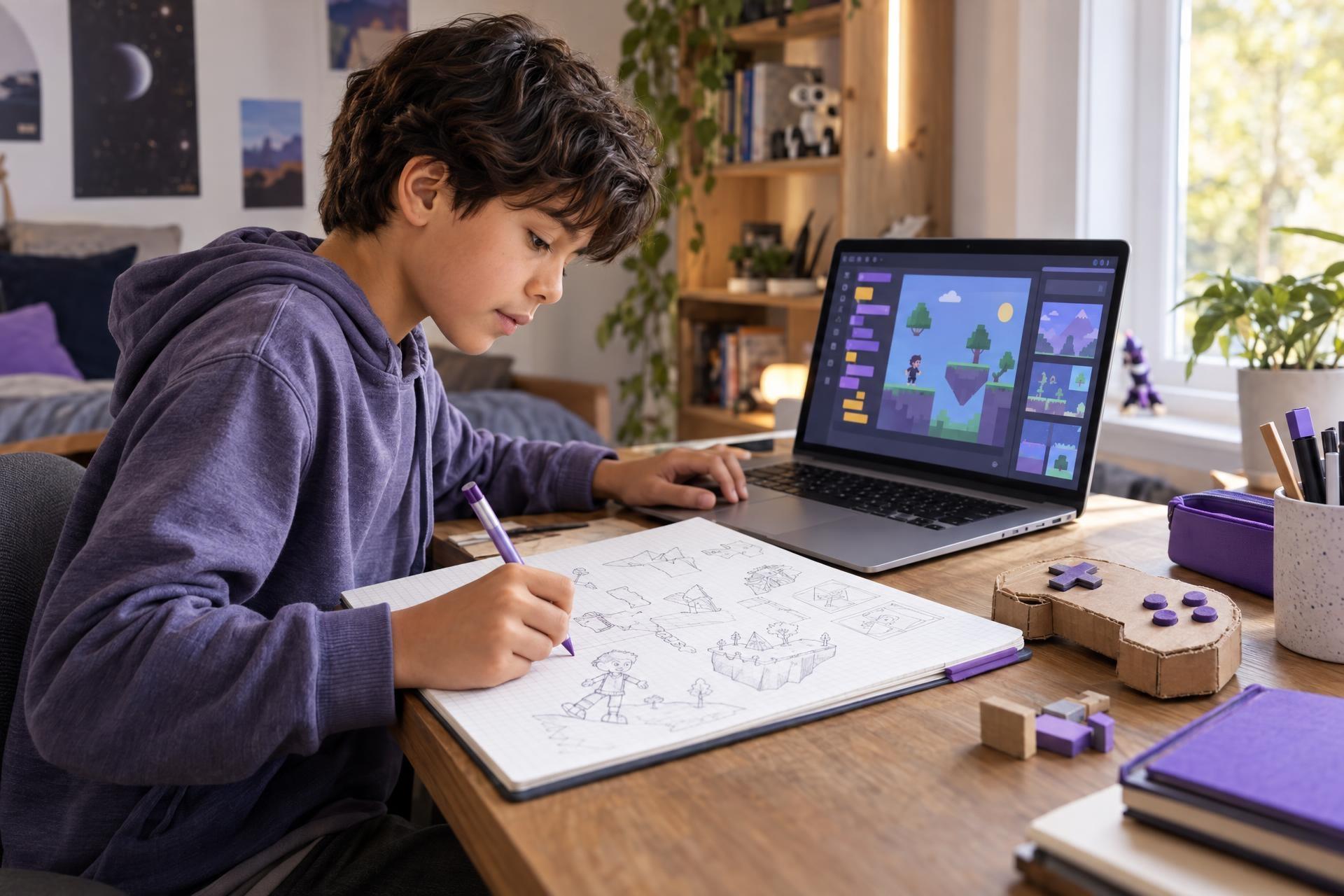
When parents hear “coding,” it is easy to picture a child facing a screen full of symbols, trying to memorize commands they do not understand. That can make technology learning feel like a narrow subject for kids who are already advanced, intensely technical, or certain they want to work in technology someday.
In reality, Coding & Future Tech can be much broader than learning a programming language. A child might explore how games are designed, make an animation, test a robotics challenge, create a digital project, or work through the logic behind a puzzle. The most helpful first step is often not choosing the most advanced-looking class. It is noticing what your child already enjoys and finding a way into technology that feels meaningful to them.
There is no single “right” coding path—and a first class does not have to become a long-term commitment. It can simply be a chance to explore.
Coding and future tech can begin with a child’s existing interests: games, art, animation, building, puzzles, or useful inventions. Rather than looking for one perfect sequence or the most advanced-looking class, look for an approachable experience that matches their current confidence and preferred way of learning. A strong first experience gives children an active role—designing, testing, creating, or solving—and leaves room to notice what they may want to explore next.
Coding is bigger than a programming language
Programming can be part of technology learning, but it is only one part. Children can encounter coding and future tech through creative, hands-on, visual, and problem-solving experiences.
Here are a few common entry points:
| If your child enjoys… | They might enjoy exploring… | What they may get to do |
|---|---|---|
| Games and imaginary worlds | Game design or visual coding | Plan rules, characters, challenges, choices, or simple interactions |
| Drawing, art, or animation | Digital design, animation, or creative coding | Turn visual ideas into digital scenes, motion, or interactive work |
| Building sets and figuring out how things work | Robotics, engineering challenges, or beginner programming projects | Test ideas and see clear cause-and-effect results |
| Puzzles, patterns, and strategy | Computational thinking or introductory coding | Break a challenge into steps, spot patterns, and debug a solution |
| Apps, websites, and useful inventions | Digital projects or introductory programming | Think through how a tool works and make something expressive or useful |
These are possibilities, not labels. A child who loves art may also enjoy the satisfying logic of a robotics challenge. A game-loving child may discover that they prefer storytelling or visual design to writing code. Exploration makes room for those discoveries.
Start with the interest, not the label
“Coding” can sound like a large decision. Starting with an existing interest makes it smaller and more concrete.
Instead of asking, “Should my child learn to code?” try asking:
- What do they choose to do when they have free time?
- Do they like making things, solving things, or explaining how things work?
- Are they drawn to stories, visuals, machines, games, puzzles, or teamwork?
- Would they rather follow a clear set of steps, experiment freely, or work with other kids?
- What digital activity leaves them curious rather than just entertained?
A child who invents elaborate game worlds, for example, might find a game-design or visual coding experience more inviting than a general introduction to programming. From there, they may become interested in story structure, design choices, logic, or more complex tools. None of those next steps needs to be decided in advance.
Likewise, a child who repeatedly takes apart building toys or asks why something works may be motivated by a project where they can test an idea and adjust it when it does not work as expected. The appeal is not the word “technology.” It is the chance to investigate and make decisions.
A good first tech experience gives a child something they care about doing—not just a new vocabulary word to learn.
Look for a shift from user to creator
Children use digital products every day. A thoughtful technology class can invite a different kind of participation: asking how something was made, deciding how it should work, and creating a small project of their own.
That does not mean every activity needs to be screen-based, nor does it mean every child needs to become a programmer. It means the learning is active. A child might sketch the rules for a game, troubleshoot why a sequence is not working, test a robotics build, revise an animation, or explain a design decision to peers.
Small projects are especially valuable as a starting point because they make the process visible. Children can try an idea, see what happens, revise, and try again. A project does not need to be polished or complex to be worthwhile. The point is to give the child a real role in the making.
Consider the quality of screen time, not simply the quantity. Ask whether a child is watching passively, or making, deciding, solving, and reflecting with guidance.
As you consider a class, look for language that suggests active participation:
- Designing, building, testing, creating, experimenting, or presenting
- Projects with choices, rather than only one correct finished product
- Opportunities to notice mistakes and work through them
- A clear description of what beginners will actually do
What a beginner-friendly class can look like
Beginner-friendly does not mean watered down. It means the class gives children a usable starting point: approachable language, a manageable project, and enough structure to help them begin without removing all room for ideas.
For one child, that could mean using visual tools to explore sequence and cause-and-effect. For another, it could mean planning a game idea before using any technical tools. An older beginner who is curious about websites or apps may be more engaged by making a simple project than by starting with abstract technical terminology.
Does the description clearly say whether prior experience is expected?
Does it explain the first skills or ideas children will encounter?
Is the focus on creative work, logic challenges, building, collaboration, or a mix?
Will your child benefit from clear step-by-step support, or do they prefer more open-ended projects?
Is it a reasonable fit for your child, while recognizing that interests and experience vary?
If a description seems to assume knowledge your child does not have, it may simply be a better next step—not a sign that your child is behind.
There is no universal sequence
Families sometimes feel pressure to find the perfect progression: first one tool, then one language, then an advanced course. Some children do enjoy building steadily in one area. Others learn best by trying a few directions before choosing what they want to pursue.
Both approaches can make sense. A flexible path might look like this:
- Choose one approachable experience connected to a current interest.
- Notice what holds your child’s attention during the process—not only whether the final project looks impressive.
- Talk about what they liked: inventing, designing, troubleshooting, collaborating, presenting, or learning how a system works.
- Use that information to choose a next experience, or take a break and try another area later.
This approach helps take the stakes out of a first class. A child does not have to know their “thing” right away. Trying game design does not lock them into games. A robotics project does not require them to continue with engineering. A creative digital project may reveal an interest in art, storytelling, logic, or teamwork.
What parents can do next
Use this checklist when comparing coding and technology classes for kids:
- Start with a real interest. Choose a topic your child can picture themselves doing.
- Confirm the experience level. Look for a true beginner option if they are new to the subject.
- Check the suggested age range. Treat it as useful guidance alongside your knowledge of your child.
- Match the learning style. Consider whether your child prefers structure, creative freedom, hands-on building, or group interaction.
- Look for a tangible activity. A project, challenge, design, or creation gives children a reason to engage.
- Keep the first choice low-pressure. Frame it as a chance to explore, not a test of talent or a commitment to a future path.
- Make room for their feedback. Ask what felt fun, hard, surprising, or worth trying again.
The best entry point is one your child is ready to try
Coding and future tech are not one fixed track reserved for children who already know what they are doing. They can include building, designing, experimenting, solving problems, and making ideas visible through digital tools.
For your family, the best starting point may be a game-focused project, a creative technology class, a robotics challenge, or an introductory coding experience. What matters most is a fit between the learning opportunity and the child in front of you: their curiosity, comfort level, and preferred way of learning.
Find a promising first step
If you are looking for options, use your child’s interests as the guide. The goal is not to choose a perfect path; it is to find a promising first step.