By Cameron Blake ·
25 Things for a Bored 10-Year-Old to Do
Projects, challenges and creative ideas for ten-year-olds who are ready for more ownership, real tools and longer projects.
25 Things for a Bored 10-Year-Old to Do
Projects, challenges and creative ideas for ten-year-olds who are ready for more ownership, real tools and longer projects.
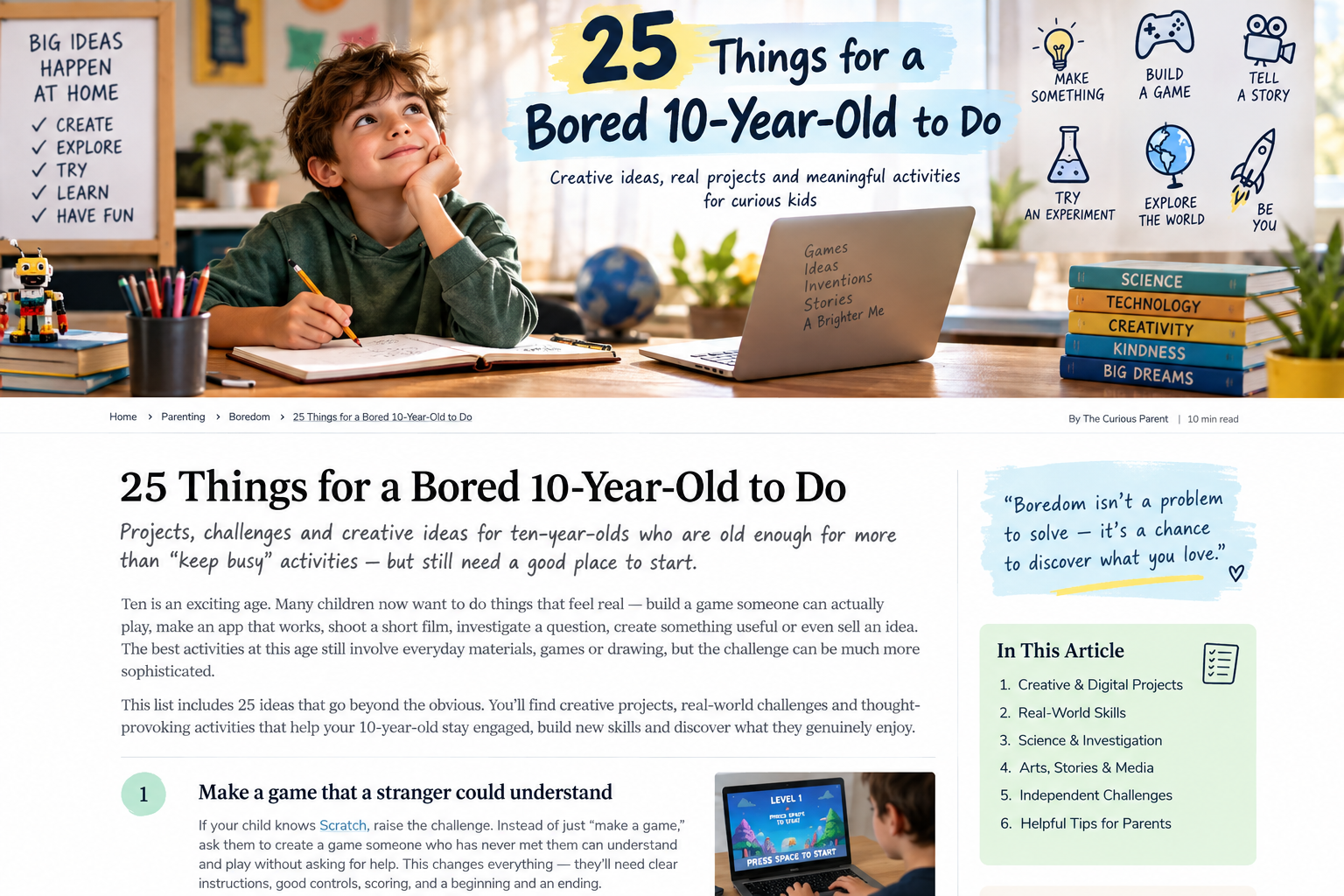
Ten is where I would change the tone quite noticeably. A ten-year-old often does not want to be handed a “kids’ activity.” They want to do something that feels real: build a game someone can actually play, make an app that works, investigate a question where nobody already knows the answer, shoot a film someone might genuinely enjoy, make something useful, sell an idea or figure out how something works.
The activity may still involve cardboard, Lego, drawing or Minecraft. What changes is the level of thinking. At ten I would increasingly introduce a real audience, a real problem, real tools, feedback and projects that are too big to finish in one sitting.
Not “Here is what you’re doing for the next hour.” More: “Here is an interesting problem. What would you do with it?”
Do not confuse “more advanced” with “more educational”
There is a temptation at ten to upgrade everything. Scratch becomes Python. Lego becomes robotics. Drawing becomes a course. Games become coding lessons. Every hobby starts needing a credential.
I would not do that automatically. Scratch is still primarily designed for ages 8–16, and a ten-year-old can build extremely sophisticated games, animations and interactive projects in it. Typed code is not automatically a better learning experience because it looks more professional.
Make a game that a stranger could understand
If your child knows Scratch, raise the challenge. Do not say “practise coding.” Ask for a game somebody who has never met them can understand and play without asking anything. Now the child needs instructions, clear controls, feedback, difficulty, scoring, a beginning and an ending.
Build an actual mobile app
Ten is a wonderful age for some children to discover that apps are not magical objects made by mysterious adults. MIT App Inventor lets beginners use visual blocks to create functional mobile apps.
Start with a tiny family problem: whose turn is it to feed the pet? What should we pack? Which dinner should we choose? Can we make a reading tracker or family quiz?
Investigate whether a family belief is actually true
Families say things like “this room is always hotter,” “you always leave the lights on,” or “your brother takes longer to get ready.” Choose one and tell the child: Don’t argue. Find out.
Design a fair way to count or measure for a week. Then create a table, graph and conclusion.
Make a short film with a real constraint
Give a brief: make a 90-second film with no spoken dialogue. Or a mystery using exactly five shots. Or an advertisement where the product is not revealed until the last five seconds. Constraints force filmmaking decisions.
Design a city with competing priorities
Give a fictional city 10,000 residents and a budget too small to fund everything. It needs housing, hospital, schools, transport, parks, energy, emergency services and waste management.
Then add citizens who disagree. One group wants parks; another wants lower taxes; another needs affordable housing.
Start learning Python—but only if they are genuinely ready
Some ten-year-olds are. Some are not. I would look for signs: the child builds independently in Scratch, understands variables, loops and conditions, types reasonably comfortably, tolerates debugging and actively wants more control.
If so, do not begin with “learn Python.” Begin with “make the computer do something”: a number-guessing game, quiz, text adventure or simple random generator.
if. The child sees continuity.Create a text-adventure game
“You wake up in an abandoned space station.” The player can open Door A, open Door B or check the computer. Each choice changes the story. The child has to map a decision tree rather than write one straight narrative.
Try Roblox Studio as a creator, not only Roblox as a player
Roblox’s own education materials generally recommend Studio from around age ten, while noting readiness varies. If the child loves Roblox, begin with one tiny playable experience—an obby, maze, treasure hunt or one-room challenge—not a dream of building the next giant platform.
Build a real-world business for one afternoon
Make something another person might actually want: bookmarks, cards, drawings, labels, bracelets or simple baked goods with appropriate adult support. Work out material cost, price and profit.
Create a family dashboard
Track something real in a spreadsheet: steps, books read, weather, sports results, electricity use or family exercise. Calculate simple totals or averages and create a chart.
Make a documentary about a family member
Interview a parent, grandparent, neighbour or coach about one true story. Ask what school was like when they were ten, what technology did not exist or what mistake they remember.
Reverse-engineer a favourite game
Ask “Why is this game fun?” Analyse goals, rules, rewards, difficulty, failure, choice and surprise. Remove one rule and predict how the experience changes.
Run an A/B test
Create two versions of a poster, thumbnail, game name or product label. Ask a small group which they would choose without revealing the child’s favourite.
Build an AI classifier without starting with coding
Use an age-appropriate visual tool to train a simple classifier—for example, two categories of everyday objects. Then deliberately confuse it with new angles, lighting or partially hidden examples.
The interesting question is not “Wow, AI!” It is why did it get that wrong?
Create an investigation newspaper
Investigate one real question: why is traffic heavy outside school, which playground is best, where does household rubbish go, or what do grandparents think children should learn today?
Design a board game with probability in mind
Move beyond “roll a die and move.” Require at least two meaningful strategies. Ask whether one card is too powerful or whether a player can get so far ahead nobody can catch them.
Redesign something bad
Choose an ordinary object—remote control, bag, lunchbox, bottle, desk—and identify what is annoying about it. Every change in Version 2 must solve a specific user problem.
Create a mini online course
The child chooses something they genuinely know: drawing a dragon, a football trick, Minecraft building, origami, a Rubik’s Cube step. Create three tiny lessons with an explanation, demonstration and challenge.
Make a useful website prototype
Do not start with HTML if the child is more interested in the idea. Design a paper prototype for family recipes, book reviews, a sports page or a gallery of builds. What does the visitor need? What should the home page show?
Become a myth-buster
Choose a harmless claim: heavier paper planes fly farther; people can identify expensive chocolate; music improves puzzle speed. Decide how to test it fairly.
Make a podcast that has a point of view
Choose a claim—children need more recess, ten-year-olds should learn about AI, school uniforms are useful—and prepare three reasons plus one opposing argument.
Design a room within an actual budget
Give a real or hypothetical room and a fixed budget. It needs a bed, desk, storage, lighting and decoration. Research approximate prices and draw a floor plan.
Create a portfolio of one interest
This is not a résumé for a ten-year-old. It is simply a folder that makes improvement visible. Save five drawings, five games, five stories or photographs of five builds. Add one sentence to each: “What I tried.”
Spend a month getting genuinely good at one thing
Choose voluntarily: drawing faces, chess, Python, football dribbling, editing, magic, baking, animation. Practise twenty minutes three or four times a week—but identify one weakness instead of repeating the whole activity.
Start one project that is too big to finish today
This is the one I most want a ten-year-old to experience. A complete game. Ten-minute film. Thirty-page comic. Functional app. Month-long investigation. Six-episode podcast. Detailed city. Small real business. Animation. Website.
The rule is simple: you are not supposed to finish today.
What should change at ten?
At eight: build a bridge. At ten: build the lightest bridge that can still hold five books. Now optimization. At eight: make a Scratch game. At ten: make one a stranger can understand without you. Now UX. At eight: track sports scores. At ten: use the data to answer a question. Now analysis.
The materials do not always need to become more sophisticated. The thinking does.
Is ten the right age for Python?
Sometimes. I would never use a rigid “age eight = Scratch, age ten = Python” roadmap. Children do not graduate from block coding because of birthdays.
Python becomes useful when text helps the child build something blocks are no longer convenient for—or when the child actively wants to understand typed code, automation, data or more general programming.
If web pages are the obsession, JavaScript may eventually be the more meaningful direction. If Roblox creation is the obsession, Luau may make more sense. If mobile apps are the goal, a visual app builder can be the better next tool. The child’s project should influence the language, not prestige.
What about AI at ten?
I would absolutely start AI literacy. I would not start with “become an AI engineer.” A ten-year-old should increasingly understand that AI can be wrong, outputs need checking, training data matters, convincing language is not proof, private information should be treated carefully and AI should not automatically do the thinking a child is meant to practise.
A stronger homework use is “give me five villain ideas and I will choose and write,” or “challenge the argument I wrote,” rather than “write my assignment.” The child remains the author.
At ten, make something for someone
This is the age where I especially like the shift from I made it to someone used it. A game must be understandable. An app must be useful. A film has to hold attention. A board game must be fair. A lesson has to be clear.
Quality is no longer only “Mum says it is lovely.” The thing has to function in somebody else’s hands.
If your ten-year-old keeps abandoning projects
That does not necessarily mean they lack perseverance. Sometimes the project is simply enormous. Introduce a very adult idea in child-friendly language: make the smallest version that works.
One game level. One app screen. One five-minute podcast. One four-page magazine. One product sold to one person. Completion creates momentum that planning does not.
The bigger progression from eight to ten
AGE 9: I made something that works for someone else.
AGE 10: I can increasingly take ownership of a real project.
This is not a developmental law. Children move differently. But it captures the direction I want: gradually giving away more of the thinking.
Do not rush toward the impressive-looking pathway
A ten-year-old making a sophisticated comic series is not behind a child learning Python. A child building elaborate mechanisms is not behind a child making apps. A sports-obsessed child may find statistics. A drawing-obsessed child may find animation. A puzzle-obsessed child may find mathematics or programming.
The purpose is not early career training. It is helping a child discover: What kind of difficult thing do I actually enjoy getting better at?
If one thing catches, stop searching for activities
Once the child cares, the adult’s job changes. You do not have to keep entertaining them. You help them go deeper.
Further reading
These are useful places to go deeper. I prefer linking to primary or specialist sources rather than pretending one article needs to contain every answer.
Why Scratch can still support sophisticated creative work at ten rather than being something a child must 'graduate' from.
A visual programming environment for building functional mobile apps; MIT explicitly frames it around moving from consumption to creation.
Useful for judging when Roblox Studio and Luau scripting make sense.
Python educator resources and guidance for selecting age- and context-appropriate tools.
Examples of learning through creative challenges, experimentation and project work in Minecraft.